Download
A single file for Windows, ready to go. On Mac you copy it to Applications and paste the configuration with one click.

Yourside
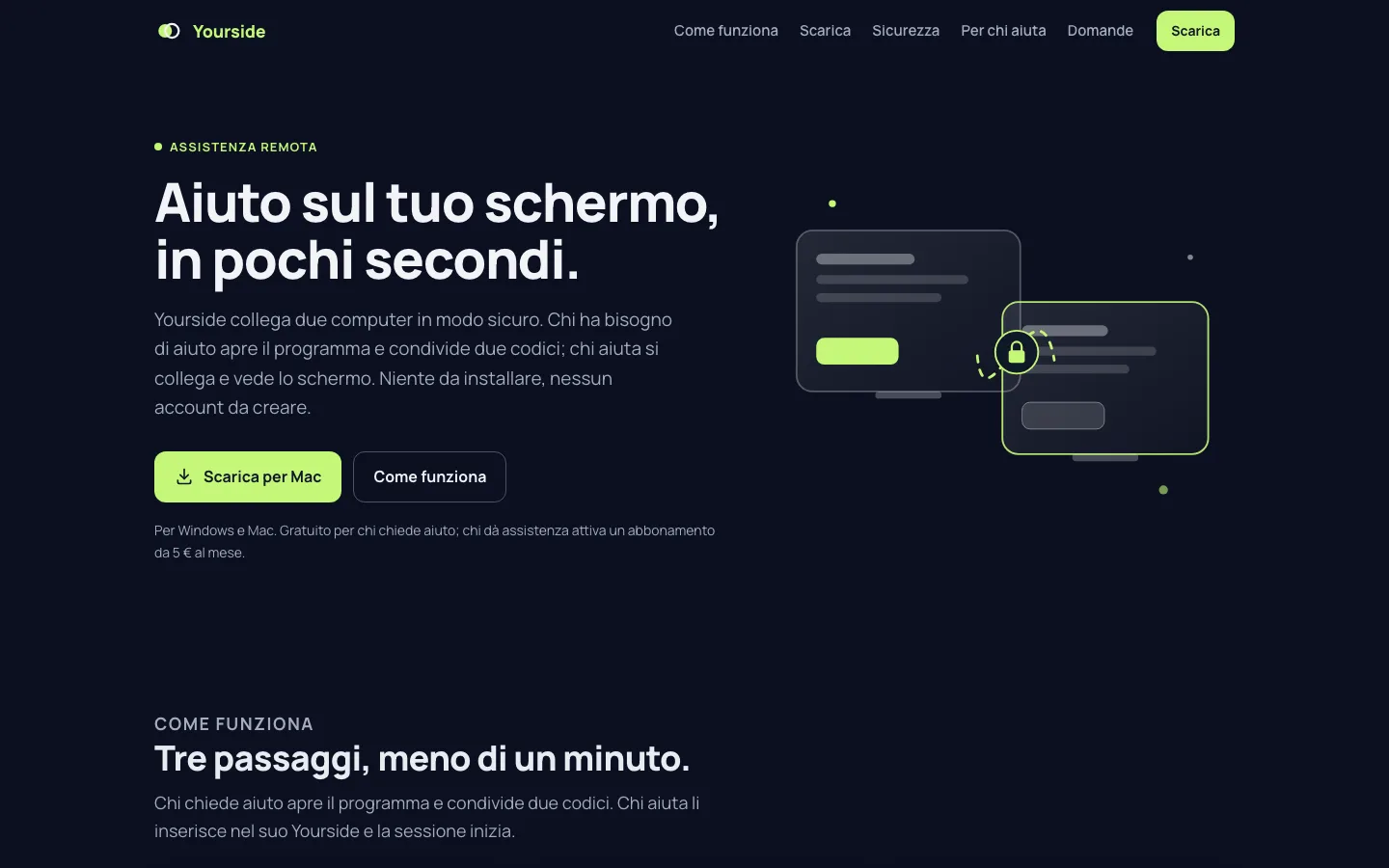
Yourside connects two computers securely. Whoever needs help opens the program and shares two codes; whoever helps connects and sees the screen. Nothing to install, no account.
How it works
A single file for Windows, ready to go. On Mac you copy it to Applications and paste the configuration with one click.
The program shows an ID and a one-time password. They are valid for that session only.
Whoever helps enters them in their Yourside and sees the screen. You see everything and can stop whenever you want.
Security
Nobody connects without the password shown on your screen, and only while the program is open.
Price
The client downloads and uses Yourside without paying anything. Whoever provides support activates a subscription, and with that connects to all of their clients.
To activate the subscription, write to us: we answer personally.
Activate the subscriptionFrequently asked questions
No. Whoever receives support downloads Yourside and uses it for free. Only those giving support pay, with a subscription from 5 € a month.
The service: the server that puts the two computers in touch, the ready-made configuration and support. The program is RustDesk, free software: its code is public and it stays free for everyone.
Yes, it is the same program. Whoever helps types in the ID they were given, presses Connect and enters the password. It works from Windows to Mac and the other way round.
On Windows, no: the file opens and works as it is. On Mac you copy it to Applications like any other app.
Yourside